
eSIM Setup Guide
Get connected anywhere
Install and activate your Vell eSIM in minutes.
This video demonstrates the complete iPhone installation and activation flow.
Step 1 of 9 — Installation
Open Settings
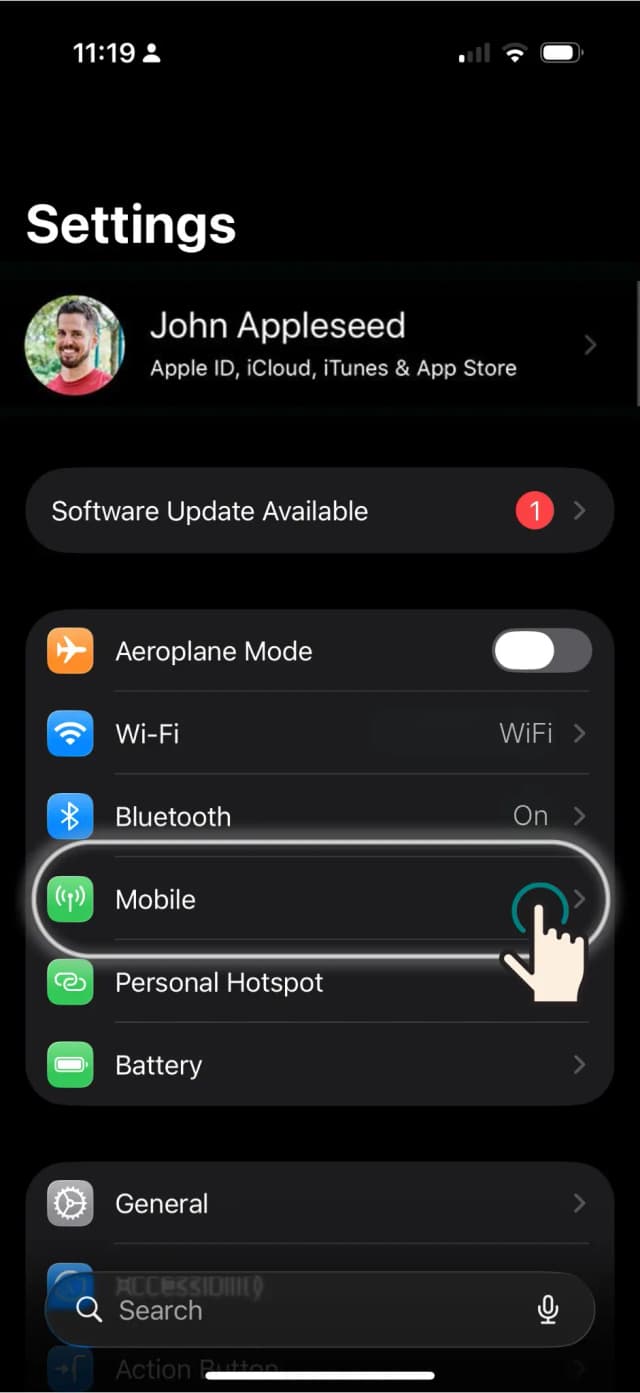
Open the Settings app on your iPhone and tap Mobile (or Cellular). This is where all SIM management lives.
Note
Connect to Wi-Fi first — the eSIM profile is downloaded over the internet.